See due and overdue production work
Start the day knowing exactly what needs attention.
The Vint-OS Desk brings today's work, overdue steps, bookings, balances, tasks, and print failures into one practical starting point.
Desk and work list
Real product screen
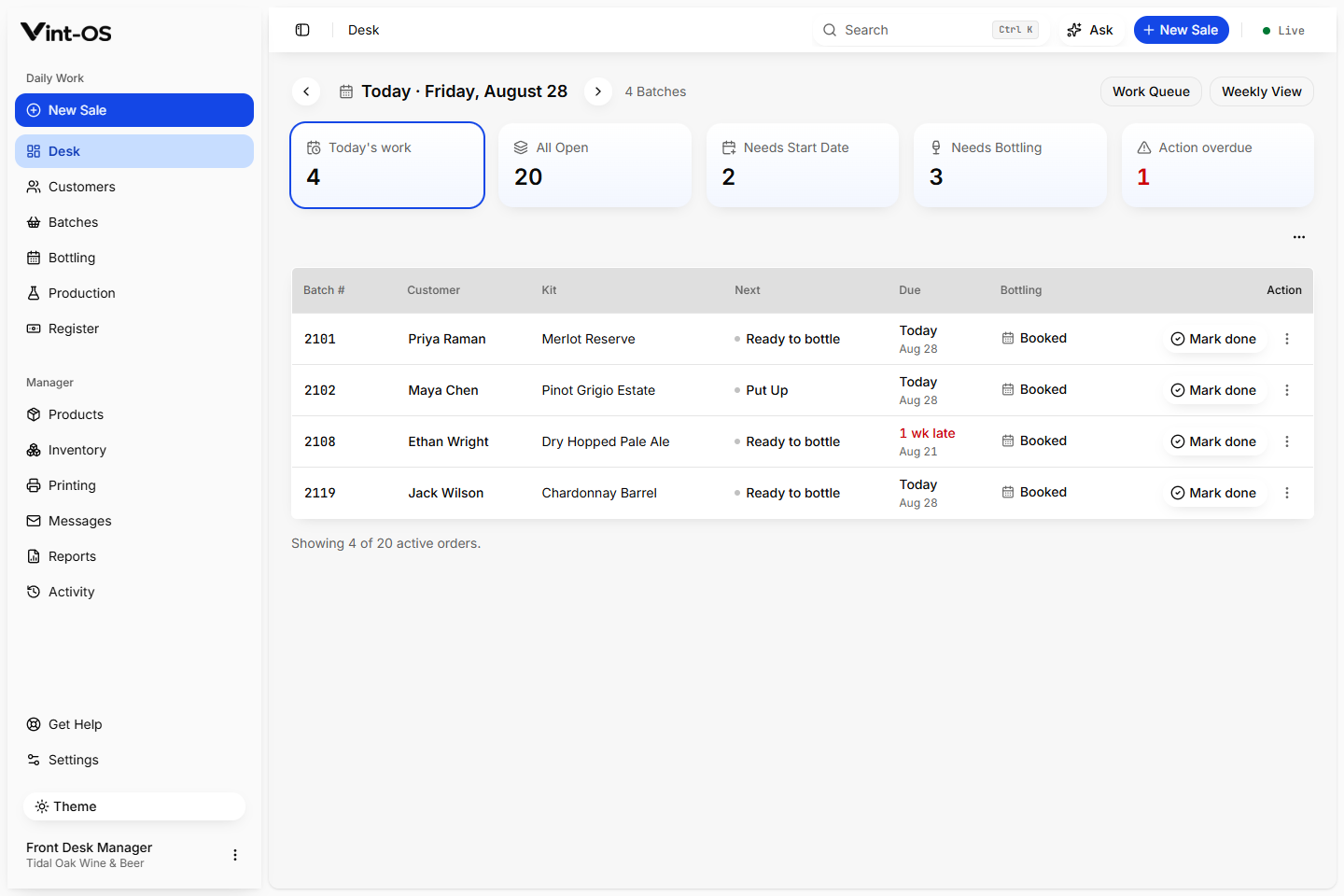
- Start page
- Role aware
- Work states
- Due, overdue, blocked
- Navigation
- Source linked
- Available on
- Browser, Installable app, Windows
- Roles with access by default
- Manager, Front desk
Your team gets a shared view of the day before the first customer reaches the counter.
The Desk opens on a dated work queue: due and overdue production, missing dates, unbooked bottling, outstanding balances, label jobs, and staff tasks. Staff work through the list instead of hunting across screens.
Catch missing dates, bookings, and balances
Recover failed printing and interrupted actions
Move straight into the related customer or BOP
Connected to the rest of the shop.
Each action keeps its source record attached, so the next person can continue the work without rebuilding the context.
A clear path from first action to confirmed result.
Open Desk
See the shop's current workload and attention states.
Choose the next action
Open the exact BOP, booking, task, or recovery item.
Finish in context
Complete the work without rebuilding the customer story.
What is included, and what is not.
Desk is a work list, not a vanity dashboard. Its counts and rows come from active BOPs and their next operational action.
More ways to run the day.
Counter Sales & POS
Build a kit sale, attach the customer, calculate the correct store price and tax, take payment, print the receipt, and create the production work that follows.
Explore featureTill
Track the starting cash, payments, refunds, corrections, expected cash, counted cash, and any difference, with a manager closing the day.
Explore featureProduction recipes
Create reusable wine, beer, and cider recipes with named steps, timing, instructions, and the products that use them.
Explore featureSee Daily Desk in a working shop.
We can walk your team through a private store with realistic customers, BOPs, and production data already in it.
$29 CAD a month, one store, everything included.