Due and overdue steps in one list
Turn the production schedule into today's work queue.
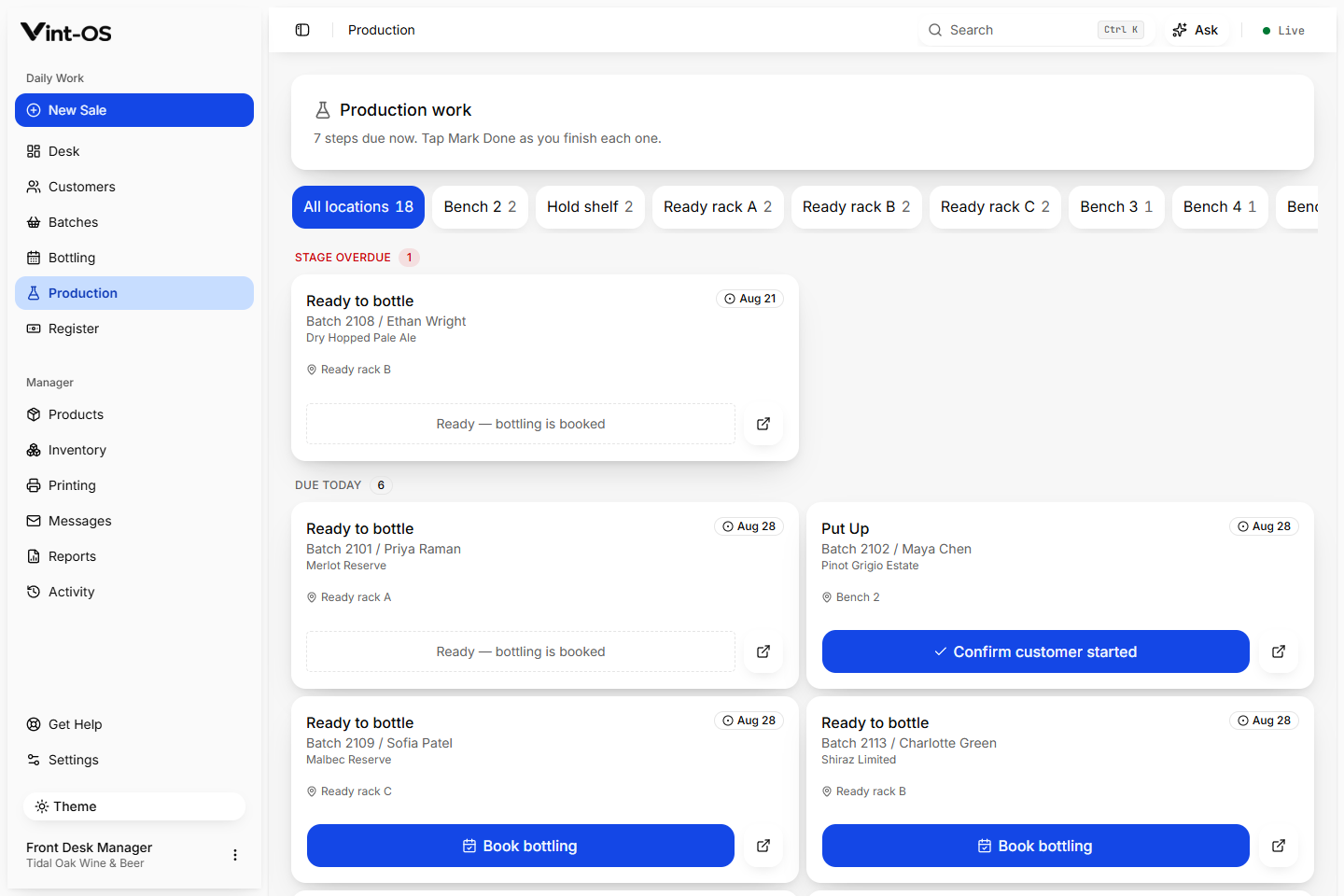
Plan step dates, group the work that is ready, record completion, update location, and keep overdue BOPs visible until the team resolves them.
Production work list
Real product screen
- Workflow
- Product assigned
- Dates
- Planned
- Status
- Action based
- Available on
- Browser, Installable app, Windows
- Roles with access by default
- Manager, Front desk, Production
Production staff see actionable work instead of searching customer files or calculating dates by hand.
A product's production recipe gives each new BOP the right dated steps, locations, and instructions. Production marks work done from the bench; the BOP keeps the completion and correction history.
Repeatable wine, beer, and cider recipes
Step completion with notes
Clear readiness for bottling
Connected to the rest of the shop.
Each action keeps its source record attached, so the next person can continue the work without rebuilding the context.
A clear path from first action to confirmed result.
Plan
Set the start date and the recipe lays out every step.
Work the list
Open BOPs by step, date, and location.
Advance safely
Record completion and expose the next step.
What is included, and what is not.
Production advances real BOP steps. Completing a step records the action and reveals the next planned step instead of silently rewriting history.
More ways to move every BOP forward.
Daily Desk
The Vint-OS Desk brings today's work, overdue steps, bookings, balances, tasks, and print failures into one practical starting point.
Explore featureCounter Sales & POS
Build a kit sale, attach the customer, calculate the correct store price and tax, take payment, print the receipt, and create the production work that follows.
Explore featureTill
Track the starting cash, payments, refunds, corrections, expected cash, counted cash, and any difference, with a manager closing the day.
Explore featureSee Production Control in a working shop.
We can walk your team through a private store with realistic customers, BOPs, and production data already in it.
$29 CAD a month, one store, everything included.