Store invitations and membership
Give staff the tools they need and protect manager actions.
Invite team members, assign staff or manager roles, control sensitive catalog, financial, billing, and archive actions, and protect the last active manager.
Manager Setup, Staff
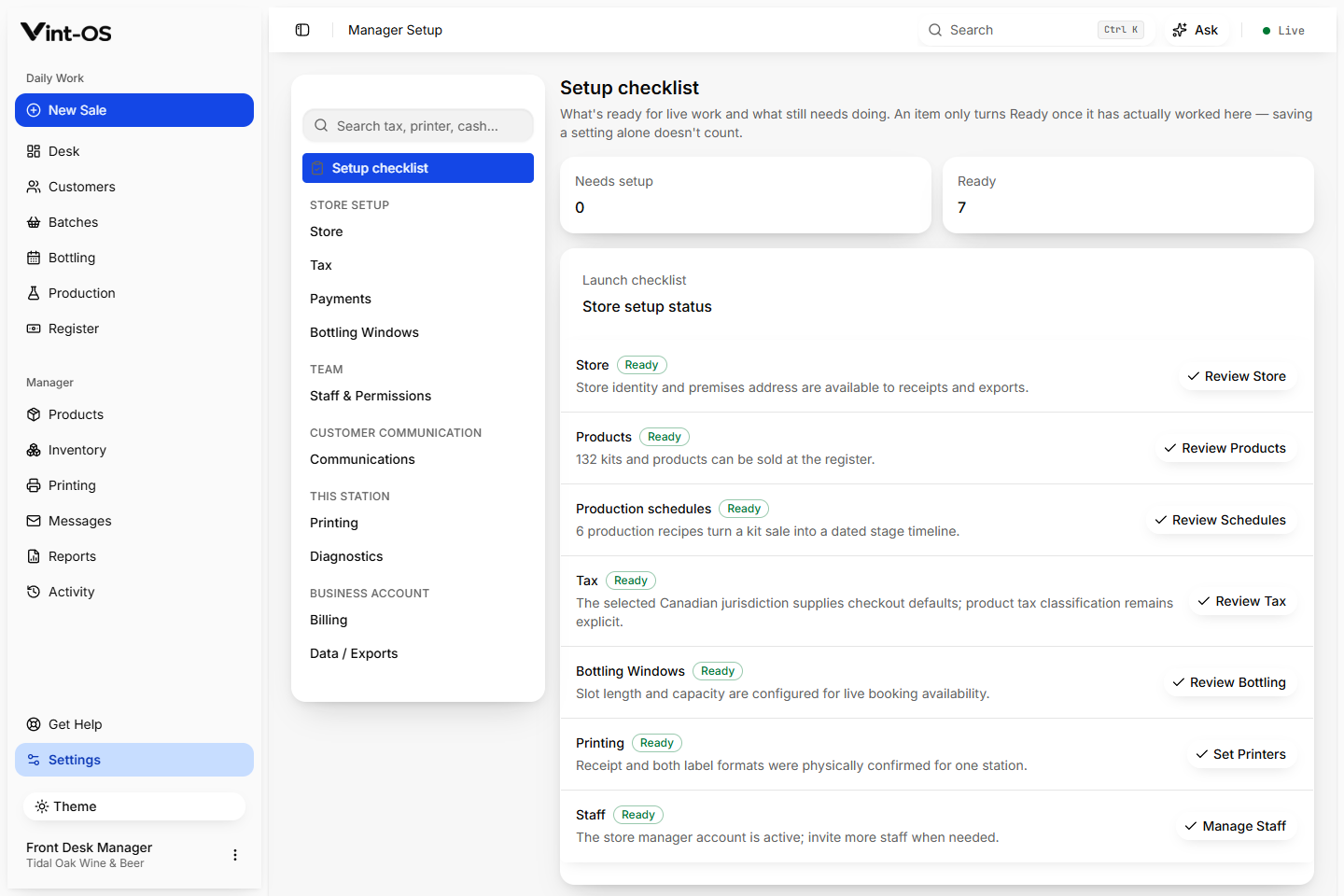
Real product screen
- Roles
- Staff, manager
- Permissions
- Server enforced
- Scope
- Store bound
- Available on
- Browser, Installable app, Windows
- Roles with access by default
- Manager
Daily work stays fast without exposing every high impact control to every user.
Three staff roles adjustable per person, guided store setup, and Stripe subscription control.
Staff and manager roles
Server-enforced permission checks
Last manager and store-boundary protection
Connected to the rest of the shop.
Each action keeps its source record attached, so the next person can continue the work without rebuilding the context.
A clear path from first action to confirmed result.
Invite
Send a store invitation with the intended role.
Operate by role
Staff see the actions available to their membership.
Manage safely
Managers can update roles without leaving the store unprotected.
What is included, and what is not.
Roles are enforced on the server, not just by hiding buttons. Vint-OS also protects the final active manager from accidental removal.
More ways to the platform underneath.
Store Onboarding
Create the store, choose Canadian tax settings, install starter production recipes, set counter and booking preferences, add message templates, and invite the team.
Explore featureSubscription Billing
Monthly and annual plan selection flows through account creation and store setup into Stripe Checkout, with automatic entitlement and a customer billing portal.
Explore featureDaily Desk
The Vint-OS Desk brings today's work, overdue steps, bookings, balances, tasks, and print failures into one practical starting point.
Explore featureSee Staff & Permissions in a working shop.
We can walk your team through a private store with realistic customers, BOPs, and production data already in it.
$29 CAD a month, one store, everything included.