Monthly and annual Stripe Checkout
Start, renew, and manage the Vint-OS subscription securely.
Monthly and annual plan selection flows through account creation and store setup into Stripe Checkout, with automatic entitlement and a customer billing portal.
Pricing, Stripe Checkout, and billing portal
Real product screen
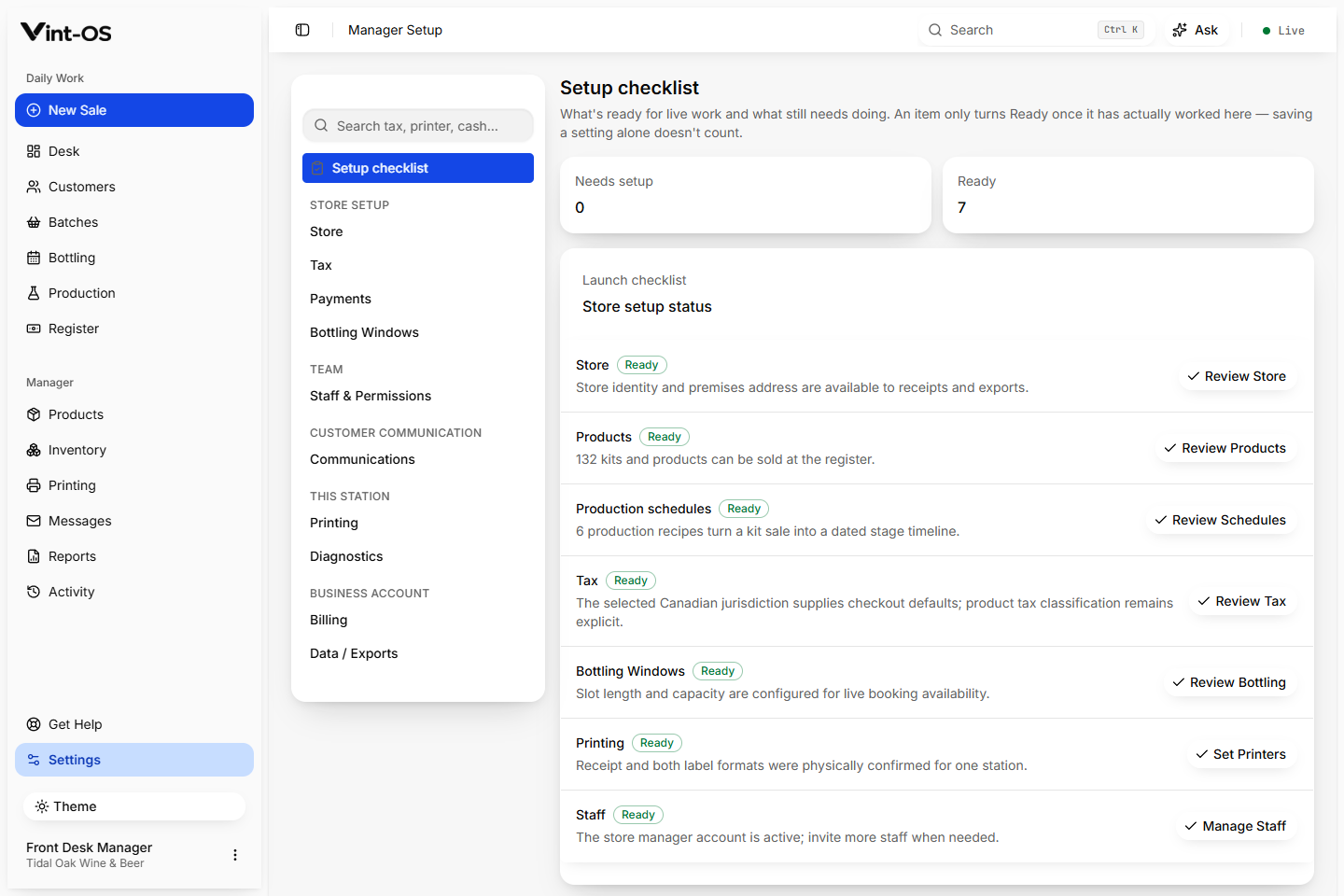
- Checkout
- Stripe hosted
- Status
- Automatic
- Portal
- Self service
- Available on
- Browser, Installable app, Windows
- Roles with access by default
- Manager
The shop's product access follows the real subscription state.
Three staff roles adjustable per person, guided store setup, and Stripe subscription control.
Active, trialing, past due, and canceled states
Automatically updated subscription records
Payment method, renewal, and cancellation portal
Connected to the rest of the shop.
Each action keeps its source record attached, so the next person can continue the work without rebuilding the context.
A clear path from first action to confirmed result.
Choose the plan
Select monthly or annual on the public pricing page.
Create the store
Complete account and store setup with the choice preserved.
Checkout securely
Stripe confirms the subscription and Vint-OS activates access.
What is included, and what is not.
Stripe is used for the shop's Vint-OS subscription and is separate from customer payments at the counter.
Checkout and portal flows have sandbox evidence. Live billing activation has not been accepted.
More ways to the platform underneath.
Daily Desk
The Vint-OS Desk brings today's work, overdue steps, bookings, balances, tasks, and print failures into one practical starting point.
Explore featureCounter Sales & POS
Build a kit sale, attach the customer, calculate the correct store price and tax, take payment, print the receipt, and create the production work that follows.
Explore featureTill
Track the starting cash, payments, refunds, corrections, expected cash, counted cash, and any difference, with a manager closing the day.
Explore featureSee Subscription Billing in a working shop.
We can walk your team through a private store with realistic customers, BOPs, and production data already in it.
$29 CAD a month, one store, everything included.