Customer communication preferences
Keep customer communication and staff follow up close to the work.
Use templates, delivery states, customer preferences, notes, and due tasks to keep communication connected to customers, BOPs, and bookings.
Message Center and linked tasks
Real product screen
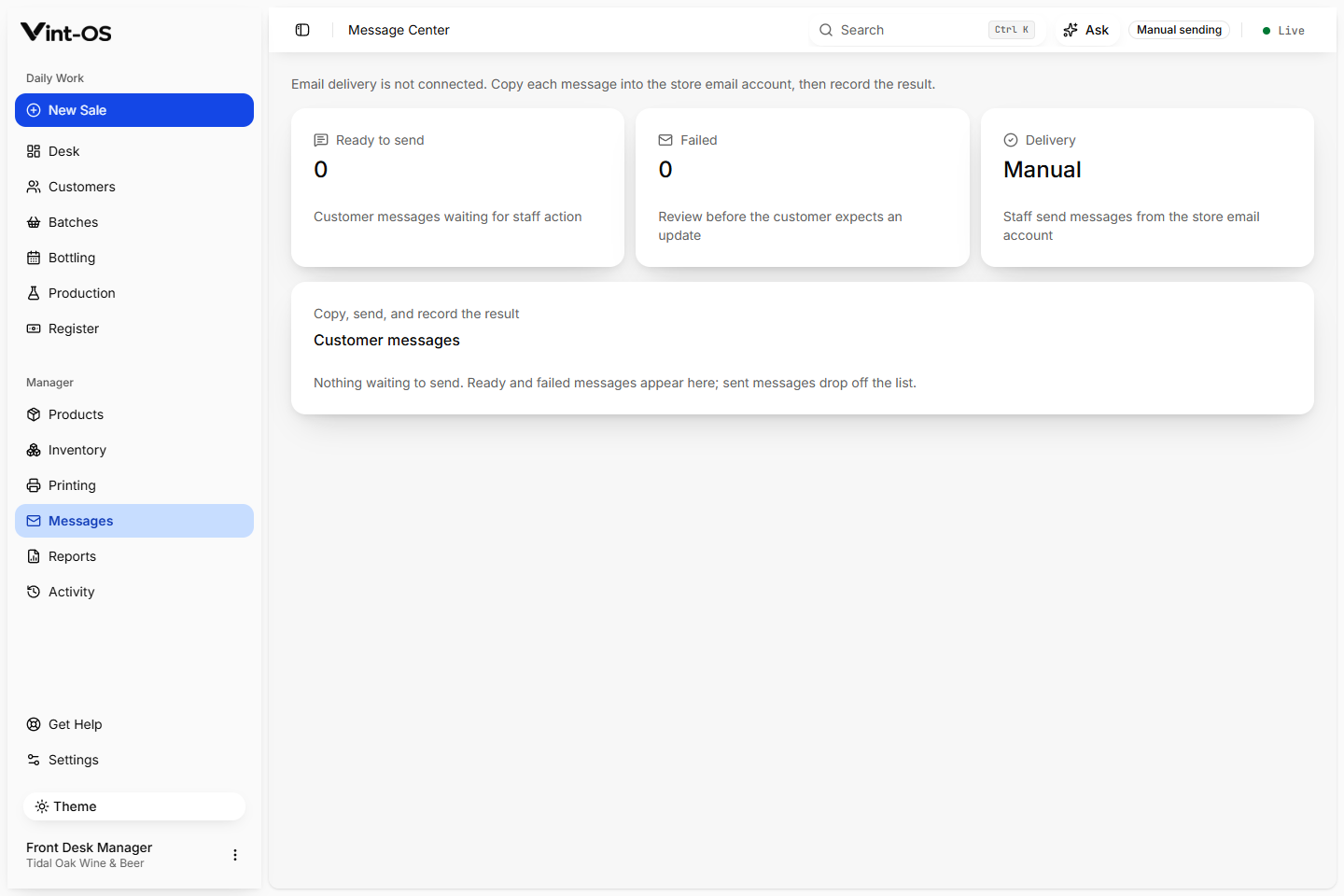
- Consent
- Recorded
- Delivery
- Tracked once email is set up
- Tasks
- Source linked
- Available on
- Browser, Installable app, Windows
- Roles with access by default
- Manager, Front desk, Production
The team sees what was sent, what is due, and what still needs a human response.
Bottling windows and capacity, appointments tied to an eligible BOP, rescheduling, check-in, no-show handling, balance collection, label printing, and the customer history that outlives the visit.
Reusable message templates
Delivery and retry states
Customer and BOP linked tasks
Connected to the rest of the shop.
Each action keeps its source record attached, so the next person can continue the work without rebuilding the context.
A clear path from first action to confirmed result.
Create the reason
A step, booking, customer, or staff action creates context.
Send or assign
Use the right template or create a due task.
Track the result
Keep the outcome visible in the related record.
What is included, and what is not.
Vint-OS records templates, preferences, delivery attempts, failures, and retries. It is an operational communication center, not a bulk marketing automation platform.
More ways to bring customers back to bottle.
Counter Sales & POS
Build a kit sale, attach the customer, calculate the correct store price and tax, take payment, print the receipt, and create the production work that follows.
Explore featureTill
Track the starting cash, payments, refunds, corrections, expected cash, counted cash, and any difference, with a manager closing the day.
Explore featureBOPs
Keep the customer, product, dates, step timeline, production location, payments, notes, print history, and bottling booking together from start to completion.
Explore featureSee Messages & Tasks in a working shop.
We can walk your team through a private store with realistic customers, BOPs, and production data already in it.
$29 CAD a month, one store, everything included.